Finance teams still live in Excel for a simple reason: their finance system often does not give them the flexibility, visibility or trust they need. Excel is not necessarily the problem. More often, it is filling gaps left by the system underneath it.
That is the central point in this Finance Leaders Unplugged conversation between Jon Clarke and Gavin Roe. Both are now Sage Intacct consultants at Inixion, but they have also experienced finance system change from the customer side. Jon is a former Finance Director and Gavin a former Financial Controller.
Their view is refreshingly balanced. Excel remains a useful and familiar tool for finance professionals. The warning sign is when a team has to export, rebuild and adjust its core financial reports every month before anyone feels able to trust the numbers.
You can watch the full video here: https://youtu.be/MCFoCS_giPU
Finance teams do not use Excel simply because they love spreadsheets
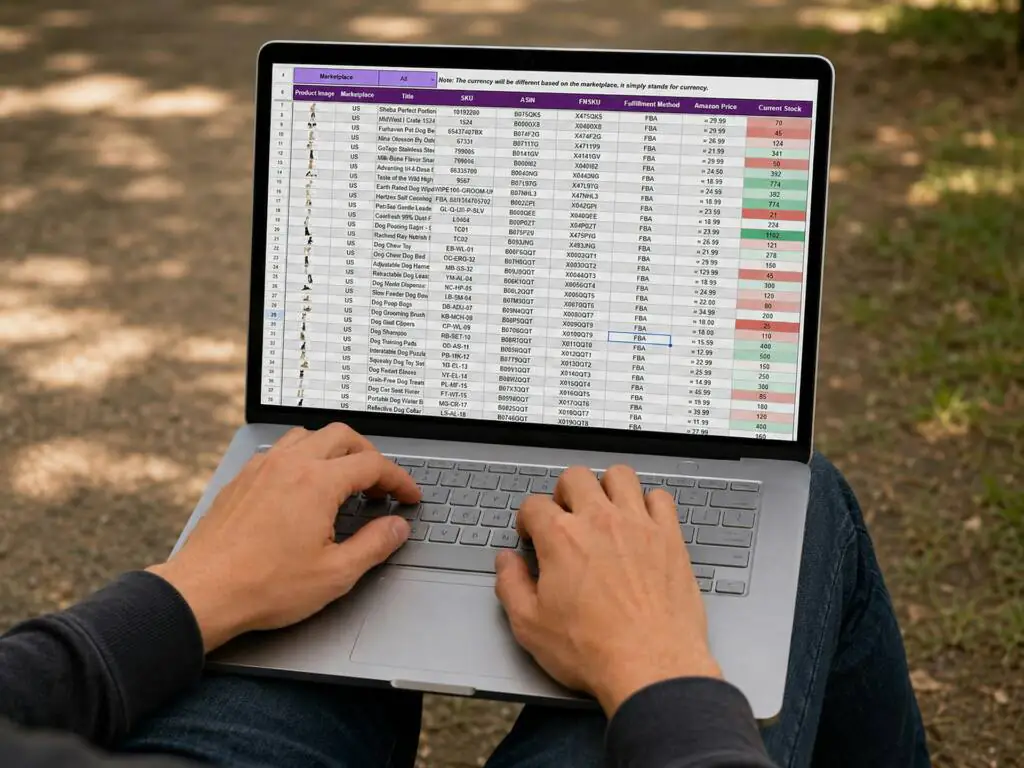
There will always be finance professionals who genuinely enjoy a good spreadsheet. Excel is familiar, flexible and quick. It allows people to test an idea, perform an ad hoc calculation or explore information in their own way.
But that does not fully explain why finance teams still live in Excel for regular reporting.
As Gavin explains in the video, teams often extract information because the finance system does not provide the format, detail or visibility they need. Once the data reaches Excel, they can rearrange it, add calculations and present it in a way they find more useful.
Over time, the spreadsheet stops being a helpful analysis tool and becomes an unofficial extension of the finance system. Important reports depend on it, manual steps multiply and knowledge of how everything works can sit with just one or two people.
Excel often fills the gaps left by the finance system
A finance system should be the reliable source of financial information. If users need to export the data before they can understand or trust it, something is missing.
The gap might be:
- Reporting that cannot easily be adapted as the business changes
- Limited visibility across entities, departments or projects
- Reports that show totals but make it difficult to investigate the detail
- Operational information held separately from the financial data
- A reliance on IT or a specialist user whenever a report needs changing
- Reports that take too long to produce inside the existing system
Excel provides a practical workaround for all of these problems. That is why simply telling a finance team to stop using spreadsheets rarely works. Unless the underlying reporting limitations are addressed, the team still needs somewhere to do the work.
What happens when financial reporting moves outside the system?
Exporting data into Excel can feel harmless because it is such a normal part of finance. The risks become clearer when the spreadsheet is used to change, combine or repeatedly reproduce important reports.
The connection to the source is weakened
Once information has been exported, it is a snapshot. The finance system may continue to change, but the spreadsheet does not update unless somebody refreshes or rebuilds it.
As Jon says in the video, pulling the data out also reduces visibility of where the figures came from. A recipient may see a polished spreadsheet without knowing which report supplied the data, when it was extracted or what happened to it afterwards.
Figures can be altered
Sometimes figures need to be adjusted for a valid reason. The difficulty is maintaining control and transparency once those changes happen outside the finance system.
A formula can be overwritten, a row omitted or a manual adjustment introduced without being obvious to the person receiving the report. Even when the final figure is correct, it may take time to recreate the steps behind it.
Version control becomes part of the job
When several people work with the same report, finance can quickly end up with multiple versions stored in inboxes, shared folders and local drives.
The familiar questions follow: Which file is the latest? Has everyone used the same source data? Were changes copied into the final version? The time spent answering those questions adds nothing to the quality of the analysis.
Reporting becomes dependent on individuals
Many spreadsheet-based reporting processes are held together by somebody who knows the formulas, links and monthly routine. If that person is unavailable, the rest of the team may struggle to produce or explain the report.
That is not a criticism of the spreadsheet owner. It is evidence that a key finance process has become too dependent on individual knowledge.
The real issue is trust
Trust is one of the most interesting points raised by Jon and Gavin.
Finance teams often move information into Excel because they trust the spreadsheet more than the finance system. They understand the formula, can see the workings and may have used the same report for years.
That trust is understandable, but it can hide a bigger question: why is the team not confident in the reporting provided by its core system?
If users cannot interrogate the data, trace a figure back to the transaction or adapt a report without rebuilding it elsewhere, Excel becomes the place where they regain a sense of control.
The answer is not to remove that control. It is to provide better visibility and flexibility within the finance system itself.
When should finance teams keep using Excel?
Moving to a better financial management solution does not mean banning Excel. It remains valuable for ad hoc analysis, modelling, scenario testing and one-off calculations.
The distinction is between using Excel by choice and depending on it because the finance system cannot support routine reporting.
Excel is probably being used appropriately when:
- The work is genuinely one-off or exploratory
- The underlying figures remain traceable to the finance system
- The spreadsheet is not the only version of an important report
- Manual changes do not obscure the source data
- The process does not delay month-end or management reporting
It may be time to review the finance system when the same data is exported and rebuilt every month, reports depend on complex linked workbooks or senior leaders wait for spreadsheets before they can see how the business is performing.
What better finance system reporting should provide
Good reporting should reduce the need to manipulate data before it becomes useful. Finance teams should be able to access current information, tailor the view and investigate the detail without losing the connection to the source.
- A modern reporting process should provide:
- A consistent source of financial information
- Reports that can be adapted without rebuilding everything from scratch
- Visibility across the areas that matter to the business
- The ability to move from a summary into the supporting transactions
- Appropriate access for different roles and users
- Financial and operational measures in the same reporting environment
- Less manual consolidation and repeated data handling
The goal is not to recreate every spreadsheet inside a new system. It is to understand what each spreadsheet is trying to achieve and design a reporting structure that meets the underlying need.
How Sage Intacct reduces reliance on Excel reporting
Sage Intacct reporting is designed to give finance teams flexible, current reporting from within the financial management solution.
Customisable financial reports
Finance users can build and adapt reports around the information the organisation needs, rather than relying solely on a fixed set of standard outputs. Reports can be structured for different audiences and recurring reporting requirements.
This reduces the need to export the same information every month simply to rearrange it into a usable format.
Dimensional reporting without an unwieldy chart of accounts
Sage Intacct uses dimensions to capture the business context behind a transaction. Depending on the organisation’s configuration, finance can report by areas such as entity, department, location, project, customer or service line without creating a separate general ledger code for every combination.
This gives the team more ways to analyse performance while keeping the chart of accounts manageable. Our article on dimensions versus the chart of accounts explains the difference in more detail.
Drill-down to the underlying detail
Users can move from a high-level result into the transactions behind it. That connection matters because it allows finance to investigate a figure without working backwards through several spreadsheets to identify the source.
It also helps build confidence in the information being shared with decision-makers.
Real-time dashboards for different users
Role-based dashboards can present the information most relevant to each user. A Finance Director may need an organisation-wide view, while a department head may only need access to their own budget and performance.
Giving people controlled access to useful, current information can reduce the number of spreadsheet reports finance has to produce and distribute manually.
Multi-entity reporting and consolidation
For groups with several entities, spreadsheet consolidation can become particularly complex. Sage Intacct supports reporting and consolidation across entities, helping finance spend less time combining separate files and checking whether every part of the group is included.
You can explore this further in our guide to multi-entity accounting and consolidation with Sage Intacct.
Start with the spreadsheets your team cannot work without
If you are considering a new finance solution, your existing spreadsheets are useful evidence. They show where the current system is not meeting the team’s needs.
Rather than hiding them during discovery, bring them into the conversation. Ask:
- Which spreadsheets are produced every month?
- What information is being added or changed after export?
- Which reports take the longest to prepare?
- Who understands how each workbook works?
- What questions can the finance system not currently answer?
- Which spreadsheets would the team genuinely choose to keep?
These answers help separate valuable Excel use from workarounds that a better system and reporting design should remove.
Excel is not the problem, but dependence on it can be a warning sign
Excel is not going anywhere, and finance teams do not need to abandon it completely. The problem is relying on spreadsheets to make core financial information visible, trustworthy and usable.
When routine reporting happens outside the finance system, the team takes on more manual work, weaker traceability and greater dependence on individual files and knowledge.
If finance teams still live in Excel because their current system is leaving gaps, it may be time to look at whether the reporting foundation still fits the business.
For a broader comparison, read why Sage Intacct beats spreadsheets for growing businesses.
If you would like to discuss how your reporting process could work differently, request a call back or get in touch with Inixion to continue the conversation.